Instagram Watch Traps: How to Avoid Them in 2026
Published Updated 7 min read
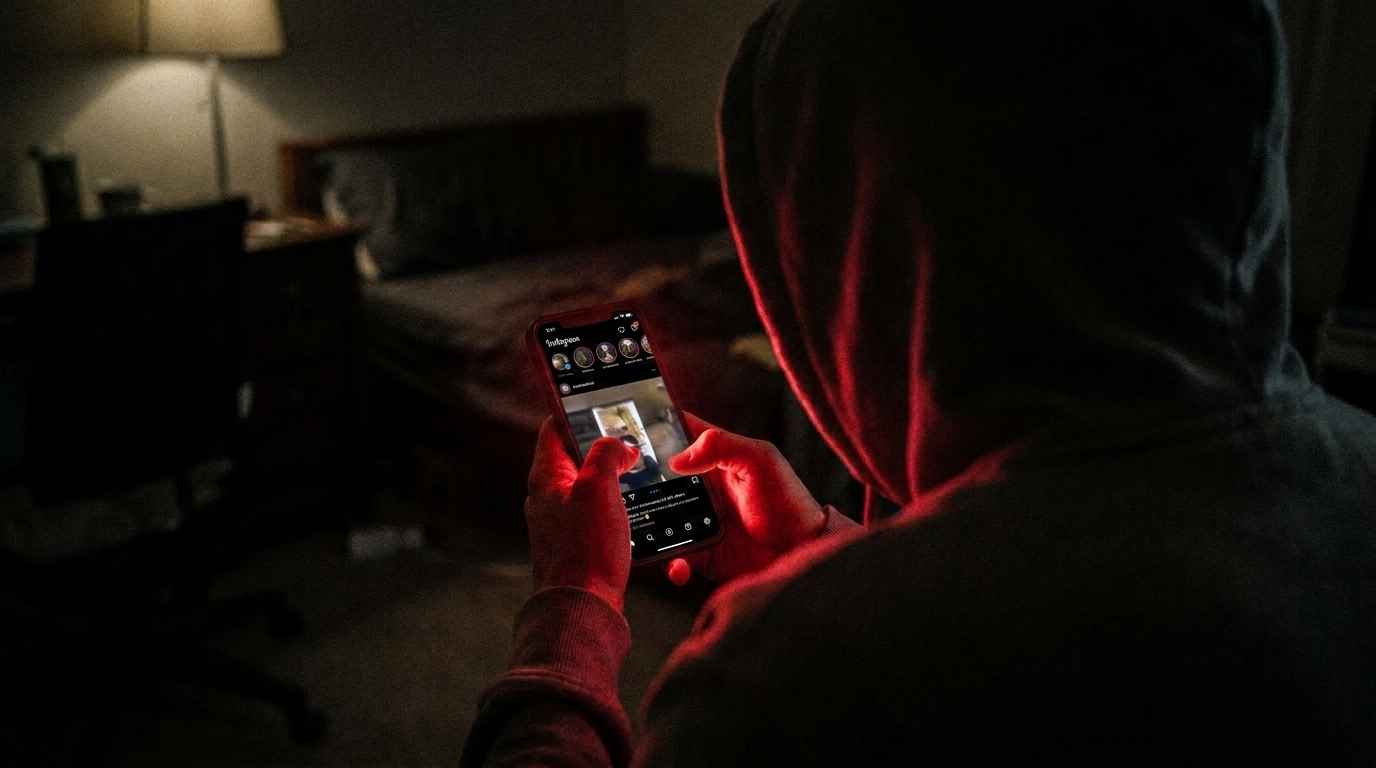
Instagram Watch traps can waste your time and risk your data. Learn how to spot them and stay safe while watching videos in 2026.
01What are Instagram watch traps?
A 'watch trap' is an unexpected UI interaction, algorithmic mechanism, or platform trigger that inadvertently reveals your identity to another user when you intended to remain unseen. As Meta constantly refines user retention, subtle design changes frequently catch users off guard.
Whether you are researching an ex-partner, vetting a competitor, or casually catching up on old acquaintances, falling into a watch trap can lead to awkward misunderstandings. Here is how to navigate safely.
02Trap 1: The accidental double-tap while deep-scrolling
The classic trap: scrolling through someone's grid from 3 years ago and accidentally double-tapping a photo with your thumb. Instagram immediately dispatches a push notification. Even if you unlike it a millisecond later, the recipient's phone often retains the preview alert.
**The Fix**: When deep-diving into historical grids, use a logged-out web tool like IncoIG Profile Viewer. On IncoIG, double-tapping simply opens the image in high resolution, with zero risk of triggering an accidental like.
03Trap 2: The story tray auto-advance surprise
You open a mutual friend's story, but as soon as the video ends, Instagram automatically swerves into the next person's story without pausing. If you didn't intend to view that next account's story, it is too late—your handle is logged into their viewer list forever.
**The Fix**: Never watch stories sequentially in the app when trying to maintain discretion. Review our definitive guide on how to watch stories without being seen to understand how to decouple playback from continuous feed auto-advance.
04Trap 3: The failed airplane mode trick
Many online articles still preach the outdated 'airplane mode' hack: load the feed, turn off Wi-Fi, view the story, and close the app. In modern Instagram versions, the app locally caches the view event and queues it in SQLite storage. The second you reconnect to the internet, your view is uploaded in the background.
**The Fix**: Stop relying on patched 2018 glitches. The only guaranteed approach is reading raw public CDN links using an external web gateway.
05Trap 4: Instagram live video instant join alerts
Tapping on a profile currently broadcasting an Instagram Live instantly triggers a prominent banner on the broadcaster's screen: '[YourHandle] joined'. There is no stealth mode within the native live broadcast feature.
Frequently asked questions
Temporarily, yes, but once you unblock them your account reappears. Furthermore, frequent block/unblock cycles can trigger automated anti-spam flags on your account.
Put it into practice
Everything in this guide works right now — watch any public story, highlight or profile anonymously with the Inco IGviewer.
Browse Without Traps