Download Instagram Photos & Videos Anonymously (Easy Guide)
Published Updated 6 min read
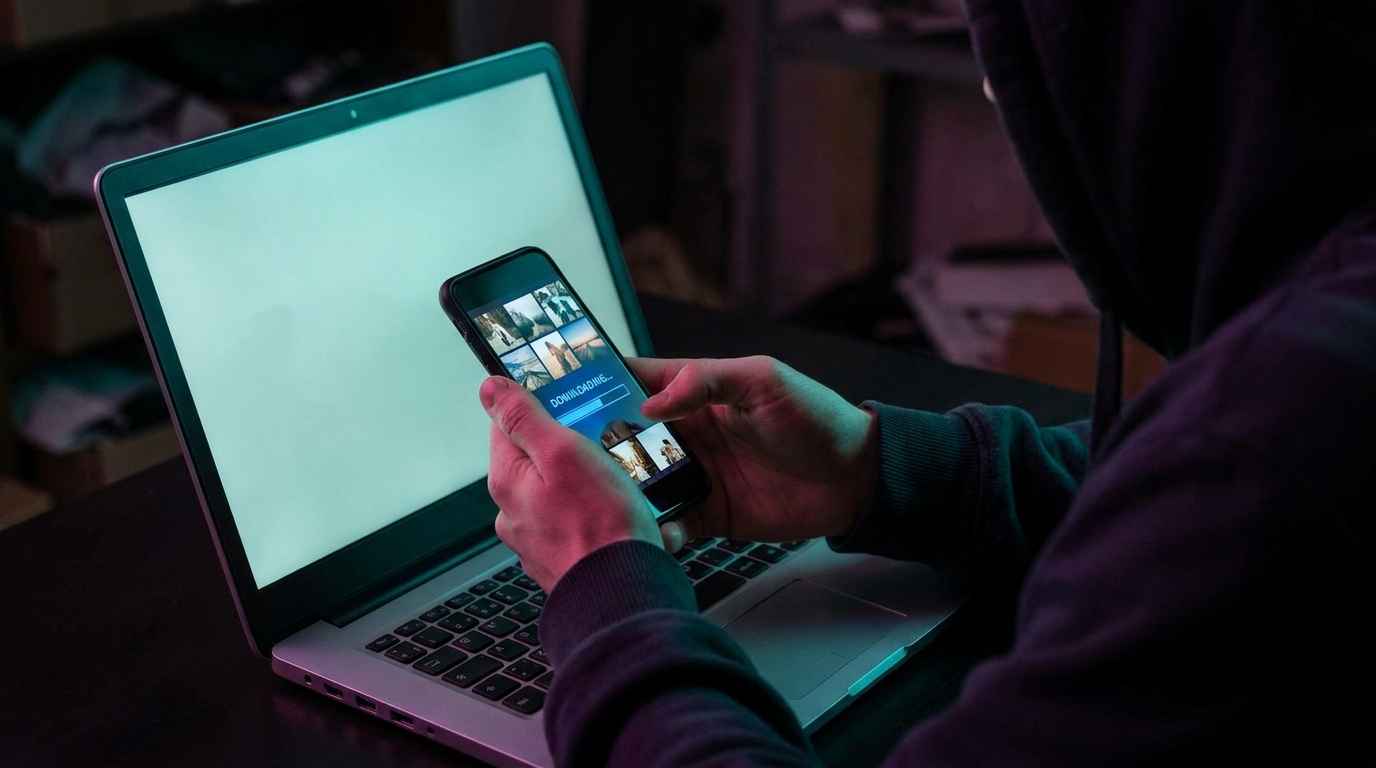
Learn how to download Instagram photos and videos anonymously. Our easy step-by-step guide shows you how to save public content without an account.
01Why native Instagram apps restrict direct media saving
Instagram's primary business model is built around in-app engagement and ad impressions. Consequently, the native app intentionally omits a universal 'Save Image' or 'Save Video' button for external storage, forcing users to rely on in-app bookmarks that vanish if the creator deletes the post.
For content creators collecting inspiration, video editors archiving creative assets, or casual users saving memorable family moments, downloading high-definition source files is essential. With IncoIG's Instagram Downloader, you can download original photos and MP4 videos without loss of quality.
02Step-by-step guide to downloading photos and reels anonymously
Saving content without leaving an audit trail requires just 3 straightforward steps:
1. **Locate the public username or URL**: Copy the URL of the public Instagram post, reel, or profile link directly from your browser or the Instagram share sheet.
2. **Paste into the IncoIG search bar**: Navigate to incoig.online, input the handle or post URL, and hit Search.
3. **Select HD Download**: Browse the media grid, tap the desired asset, and click the Download button. The full-resolution JPEG or MP4 file downloads straight to your device's local folder.
03Downloading Instagram stories before the 24-hour expiration
Stories disappear permanently after 24 hours unless saved into an account highlight. If you need to keep a tutorial, recipe, or event announcement, read our dedicated guide on how to use an Instagram story saver.
IncoIG lets you inspect active stories in high definition and download them in a single tap before the countdown expires—completely undetected by the creator.
04Preserving original resolution without watermark compression
Many ad-heavy downloader websites compress video files to 720p or slap intrusive watermarks across the frame. IncoIG fetches the raw source stream directly from public Content Delivery Networks (CDNs), preserving original 1080p video bitrates and uncompressed photo color grading.
05Best practices for respectful media archiving
Always remember that downloading media is meant for personal reference, archival backup, or legitimate fair use. If you plan to repurpose or quote someone's creative work, always request permission and provide clear attribution to respect intellectual property rights.
Frequently asked questions
No. IncoIG strictly respects privacy boundaries and only accesses publicly available media.
Put it into practice
Everything in this guide works right now — watch any public story, highlight or profile anonymously with the Inco IGviewer.
Download Media Now